
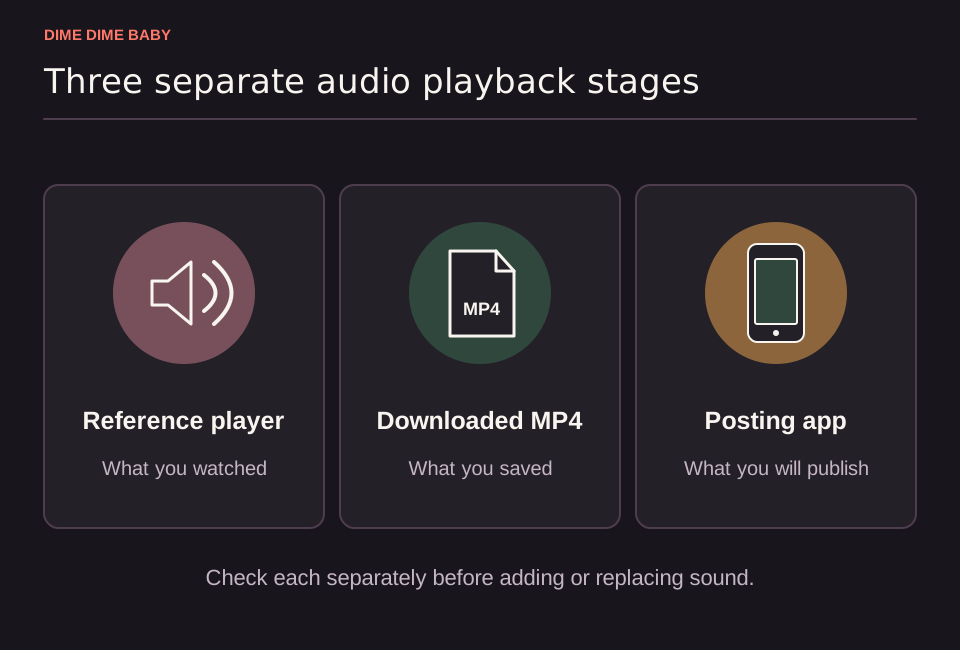
Illustration: Side-by-side cards for the webpage reference player, downloaded MP4, and posting-app preview, showing that page reference audio is separate from the downloaded video file.
Check the player, downloaded MP4, and social platform separately
Isolate where the audio drops out before changing your file or starting a new task:
- Browser reference player: On ai-dimedimebaby.app, the homepage reference player starts muted, so unmute the player controls and check your device volume.
- Saved MP4 file: Reopen your completed task on ai-dimedimebaby.app, download your video as an MP4, and play the local file in your device's media player to see whether an audible track is present.
- Social app playback: If your local MP4 plays with sound on your phone or computer and changes or goes silent after upload, check whether the social platform muted the audio or lowered the clip volume in its mixer.
Does the MP4 include BbY WOW?
A default soundtrack can be added after generation, while the commercial "BbY WOW" recording is not promised (ai-dimedimebaby.app, Terms of Service). Music rights stay with their rightsholders, and purchasing generation credits alone does not grant a commercial music license (Terms of Service).
Hearing a default backing track instead of the commercial song means your exported MP4 has audio, just not the commercial release. Do not spend extra credits running a new generation to change the sound. Keep your saved MP4 and adjust the audio during editing or upload.
Official BbY WOW visualizer by KAROL G, Judeline, and rusowsky. Clicking this card opens the official watch page directly on YouTube.
How to add music before publishing
If your saved MP4 has no audible track or uses a default soundtrack you want to replace, attach music in your publishing workflow:
- Personal social posts: Follow our guide to add the BbY WOW sound to your Dime Dime Baby video using your platform's sound selector when the track is available for your account and region.
- Replacing default audio: If your downloaded MP4 already carries a backing track, mute or lower the original clip volume after adding platform music so you do not have to fix doubled or out-of-sync audio.
- Business and brand posts: TikTok states that its general music library is not cleared for commercial business use; business accounts should choose cleared audio from the TikTok Commercial Music Library or use properly licensed sound.
Sources & scope
External clips and music belong to their credited creators. Product guidance here describes this tool; it does not verify every other app using the meme’s name.
Suggest a correction