
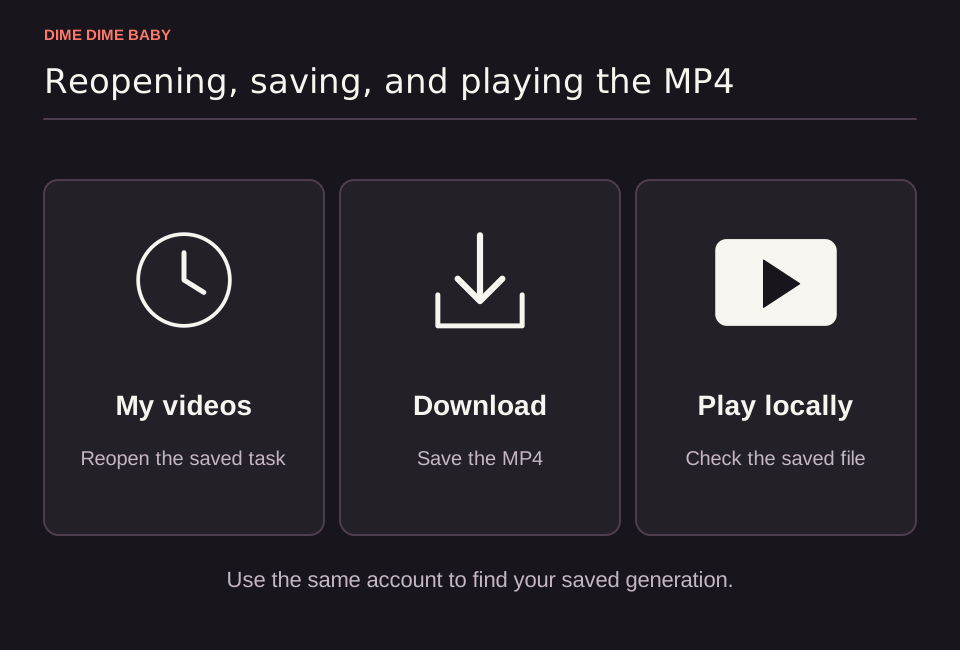
Illustration: Three-step sequence showing how to reopen a saved task in My videos, download the completed MP4, and play the file in a device player.
Step-by-step MP4 download process
Every completed video on our Dime Dime Baby generator exports as an MP4 file in your chosen 6-second or 13-second duration and 9:16 or 16:9 aspect ratio (Terms of Service). Follow these steps to save your clip:
- Sign in to your account and stay on the generator or open your task history.
- Wait for the task status to finish processing. Processing time varies, and each account can have one unresolved task at a time (Terms of Service).
- Watch the completed clip in the preview player to inspect the generated result.
- Select
Download MP4to save the video file to your device. - Open the saved MP4 in your local media player to verify video and audio playback before posting. For details on duration and format options, see our guide to Dime Dime Baby video specs.
Reopening a saved task from your history
Leaving the page or closing your browser tab during generation does not erase your task or require spending another 10 or 20 credits. Sign back in to the same account on our generator and open your task history to reopen the saved task. Once the completed result loads in the preview player, select Download MP4 to save your file.
Troubleshooting a failed MP4 download
If selecting Download MP4 does not immediately save your video, check these common issues before submitting a new task:
- Confirm the task has completed: A task that is still pending, processing, or awaiting review cannot be downloaded yet, and you must check its status before starting another run (Terms of Service). Read our troubleshooting guide if your video is stuck processing.
- Verify which account is signed in: Reopen your task history using the exact account that submitted the photo so your saved task appears (our generator).
- Check your browser download folder: Inspect your browser's download manager or default downloads directory to see if the MP4 saved automatically without a file prompt.
- Reopen the task in another browser: If a browser setting or extension blocks the download, sign in to your account from a different browser, open your task history, and select
Download MP4without paying for a new generation. - Check local player audio settings: If your downloaded MP4 plays without audio on your device, check the volume and mute controls in your local media player and review why a Dime Dime Baby video has no sound.
Sources & scope
External clips and music belong to their credited creators. Product guidance here describes this tool; it does not verify every other app using the meme’s name.
Suggest a correction