
Official BbY WOW visualizer by KAROL G, Judeline, and rusowsky. Clicking this card opens the official watch page directly on YouTube.
Search by the official song title and artists
Many creators search for "Dime Dime Baby" when looking for the trend's audio, which is a phrase associated with the track rather than its official title. On KAROL G's official YouTube channel, the visualizer is titled "KAROL G, Judeline, rusowsky - BbY WOW (Visualizer)". Searching for "BbY WOW" along with KAROL G, Judeline, or rusowsky in your app's music search bar helps you locate the song when the meme nickname returns unrelated clips.
Step-by-step workflow to add the sound in the TikTok mobile app
Once you have saved your generated MP4 to your phone, use these steps in the TikTok mobile app (desktop upload options can differ):
- Import your MP4: Open the TikTok mobile app, start a new post, and select your saved Dime Dime Baby MP4 from your device.
- Open Add Sound: Tap Add Sound in the post editing screen (TikTok Commercial Music Library guide).
- Search the track credits: Type
BbY WOW KAROL G Judeline rusowskyinto the search bar, preview the returned audio options, and choose a version available to your account. - Adjust the starting point: As practical editing guidance, use the available audio trim controls to adjust where the track starts so the vocal entrance aligns with your clip's main movement.
- Mute duplicate clip audio: If your exported MP4 already includes a default background soundtrack, use the available volume controls to lower or mute the original clip sound.
- Preview before publishing: Watch the full post preview to check audio timing, and verify whether you need to label your Dime Dime Baby video as AI on TikTok.
Avoid doubled or mistimed audio
If your downloaded MP4 includes a default backing track and you add a platform song without adjusting the clip volume, both tracks will play at once. Lowering or muting the original video audio leaves only the selected platform song audible. If the vocal hook lands too early or late relative to the dance motion, see how to fix doubled or out-of-sync Dime Dime Baby audio by adjusting the audio start point or trimming the opening video frames.
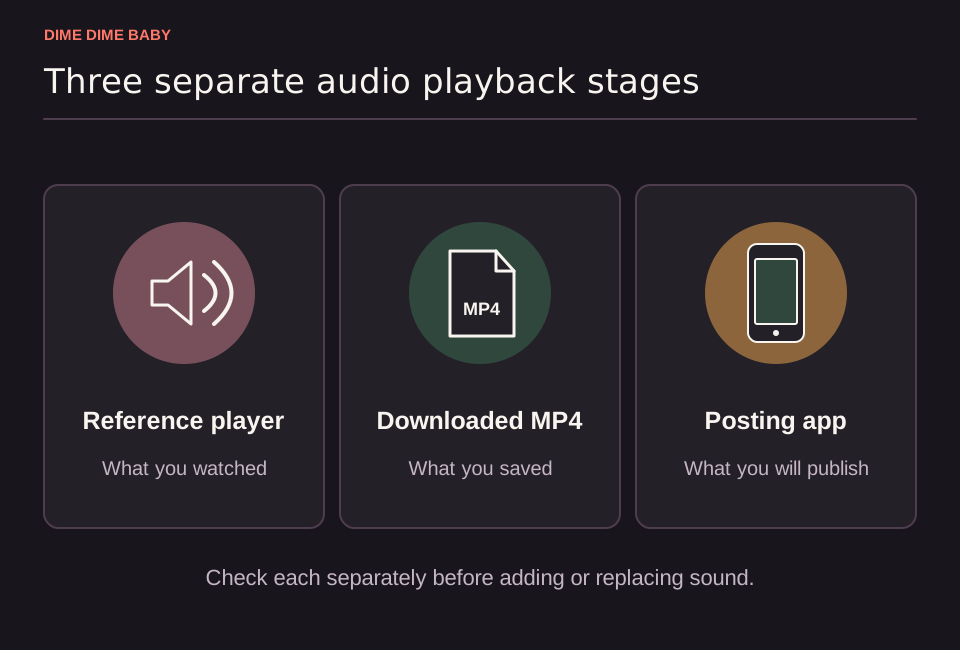
Illustration: Side-by-side cards for the webpage reference player, downloaded MP4, and posting-app preview, showing that page reference audio is separate from the downloaded video file.
Account availability and commercial use limits
Music catalog options depend on your account setup and region, and the Commercial Music Library supports filtering by region, placements, theme, genre, mood, and duration (TikTok Commercial Music Library guide). Selecting a track inside TikTok applies only to eligible in-app posts and does not automatically grant a cross-platform music license (TikTok Commercial Music Library policy).
According to TikTok's Commercial Music Library policy, the general music library is not cleared for commercial business posts, ads, or organic brand content. Business accounts see Commercial Sounds under Add Sound, while personal accounts can select Commercial Sounds from the sounds dropdown (TikTok Commercial Music Library guide). Because availability of "BbY WOW" in the Commercial Music Library is not verified for any specific region or account, review our guide on using a Dime Dime Baby video for your business before posting for a brand.
Sources & scope
- KAROL G, Judeline, rusowsky — BbY WOW (official visualizer)
- TikTok Business: how to use Commercial Music Library
- TikTok Business: Commercial Music Library
External clips and music belong to their credited creators. Product guidance here describes this tool; it does not verify every other app using the meme’s name.
Suggest a correction