
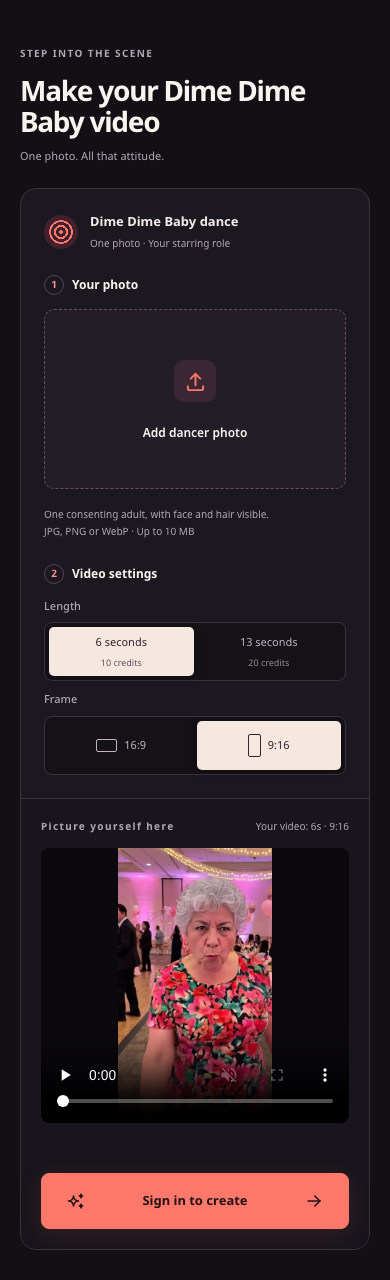
Website screenshot, 23 October 2026: Public signed-out ai-dimedimebaby.app mobile interface showing the stacked upload, duration, aspect ratio, and sign-in controls on a phone screen.
Prepare a compatible phone photo
The ai-dimedimebaby.app generator runs in your mobile browser and animates one adult photo into a fixed party-inspired scene without requiring written scene instructions. Before selecting a picture from your phone, check that it meets our Terms of Service and upload rules:
- One consenting adult: You must be 18 or older and upload a photo of yourself or an adult who explicitly consented to upload, external provider handling, and AI video generation. Minors are prohibited, and public photos do not equal permission.
- Clear face and hair: Choose a clear image where the subject's face and hair are visible. See our Dime Dime Baby photo requirements for selection tips.
- Supported formats: Use a JPG, PNG, or WebP file up to 10 MB.
- Convert iPhone HEIC files: HEIC is not listed as a supported format. Export or convert HEIC photos to JPG, PNG, or WebP rather than just changing the file extension. Rejected uploads do not start generation or spend credits.
Choose your aspect ratio and duration
Browsing the generator controls and muted reference preview on ai-dimedimebaby.app is free, while generating a clip requires paid credits (there are no free signup credits).
Per our pricing page, choose your format and length before submitting:
| Duration | Aspect ratio options | Credit cost | Unit cost per clip |
|---|---|---|---|
| 6-second MP4 | 9:16 or 16:9 | 10 credits | $4.50 to $5.00 |
| 13-second MP4 | 9:16 or 16:9 | 20 credits | $9.00 to $10.00 |
One-time credit packs start at a $9.99 minimum purchase: $9.99 for 20 credits (two 6-second clips or one 13-second clip), $29.99 for 60 credits (six 6-second clips or three 13-second clips), and $89.99 for 200 credits (twenty 6-second clips or ten 13-second clips). Compare vertical and horizontal framing in our guide to choosing 9:16 or 16:9. Credits have no scheduled expiry, and checkout stays closed if payment or generation is unavailable.
Generate and download the MP4 on your phone
- Sign in at ai-dimedimebaby.app and upload your JPG, PNG, or WebP photo.
- Pick 9:16 or 16:9 and select 6 seconds (10 credits) or 13 seconds (20 credits).
- Review availability and cost, then submit once.
- Track your saved job in your account (such as /history). Our Terms of Service allow only one unresolved task per account, so wait for any pending, processing, or review-required task to finish before starting another.
- Preview the completed video and save your file using our guide on downloading your Dime Dime Baby MP4. Because AI can alter facial features, clothes, motion, and framing without guaranteeing watermark-free output or commercial music rights, check the downloaded MP4 on your phone before posting.
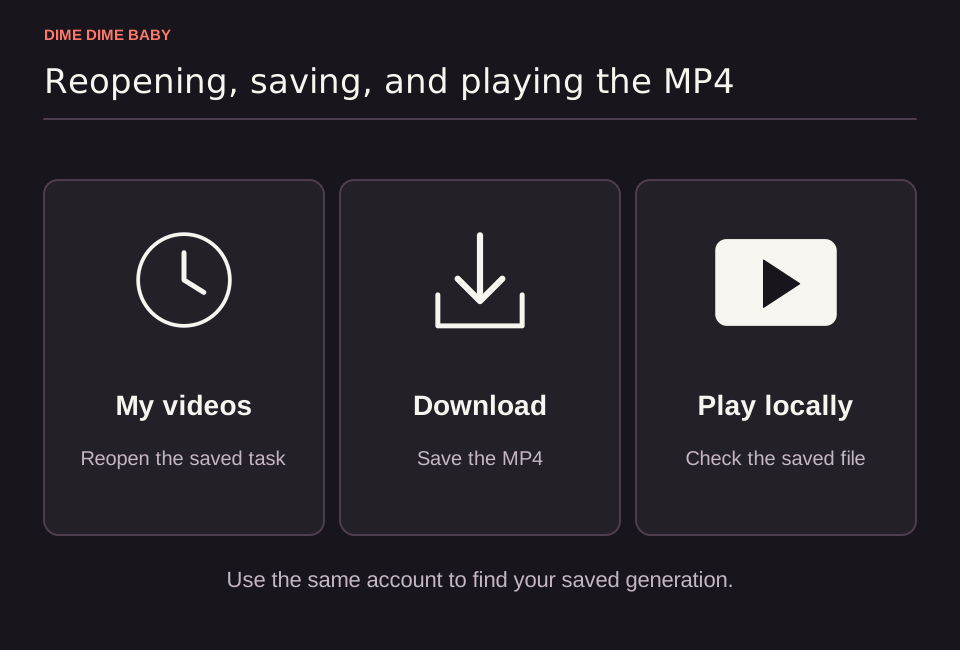
Illustration: Three-step sequence showing how to reopen a saved task in My videos, download the completed MP4, and play the file in a device player.
Sources & scope
External clips and music belong to their credited creators. Product guidance here describes this tool; it does not verify every other app using the meme’s name.
Suggest a correction