
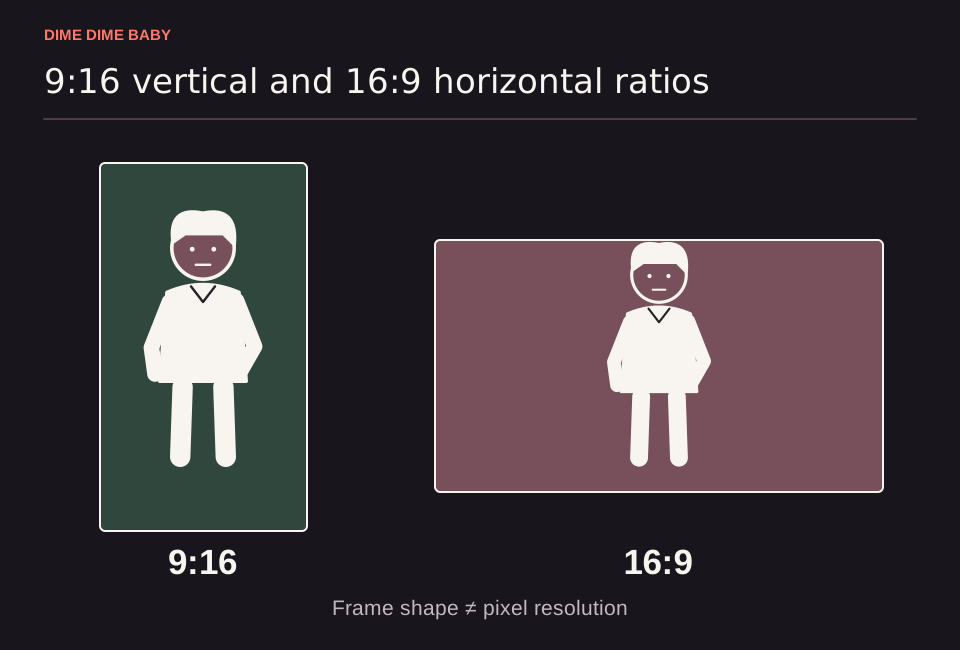
Illustration: Proportionally drawn 9:16 vertical and 16:9 horizontal frames around the same silhouette, showing how output aspect ratio sets frame shape independently of input photo orientation.
9:16 vs. 16:9 frame comparison
On our Dime Dime Baby generator, the aspect ratio setting selects the geometry of your exported MP4 container rather than guaranteeing a fixed pixel resolution or exact subject placement. Under our pricing page, credit cost is determined by duration (10 credits for 6 seconds or 20 credits for 13 seconds), not by aspect ratio.
| Aspect ratio | Frame geometry | Primary viewing format | Composition notes | Credit cost |
|---|---|---|---|---|
| 9:16 | Tall vertical rectangle | Mobile full-screen feeds (TikTok, Reels, Shorts) | Generated composition and framing vary by run; subject centering is not guaranteed | 10 credits (6s) or 20 credits (13s) |
| 16:9 | Wide horizontal rectangle | Desktop video players, web embeds, and widescreen displays | Generated composition and framing vary by run; exact background width is not guaranteed | 10 credits (6s) or 20 credits (13s) |
For duration and pack pricing details, see our guide to Dime Dime Baby video specs.
Native aspect ratio vs. cropping or padding later
You select 9:16 or 16:9 inside the generator before submitting your task (our generator). If you need your video in both vertical and horizontal formats, you do not have to pay for two separate tasks just to change the file shape; any standard video editor can crop or pad a single downloaded MP4.
However, editing a single file carries visual tradeoffs:
- Cropping: Trimming a 16:9 clip into a 9:16 vertical frame removes the left and right edges, while cropping a 9:16 clip into 16:9 cuts off the top and bottom of the image.
- Padding: Fitting a 9:16 clip inside a 16:9 frame (or vice versa) preserves the entire generated image but adds blank bars or blurred filler around the edges.
- Separate native generations: Only generating two separate native frame outputs on ai-dimedimebaby.app requires submitting two tasks and spending 10 or 20 credits for each run (pricing page).
How uploaded photo orientation relates to video framing
Your input photo does not need to match the output aspect ratio you select. You can upload a vertical portrait or a horizontal photo and choose either 9:16 or 16:9, provided you upload one clear consenting adult photo in JPG, PNG, or WebP format up to 10 MB with the face and hair visible (our generator).
Because AI generation can change face details, clothing, motion, background, and framing in any output (our generator), preview your finished MP4 before publishing. See our guides on Dime Dime Baby photo requirements and choosing a selfie or full-body photo to prepare your upload.
Sources & scope
External clips and music belong to their credited creators. Product guidance here describes this tool; it does not verify every other app using the meme’s name.
Suggest a correction