
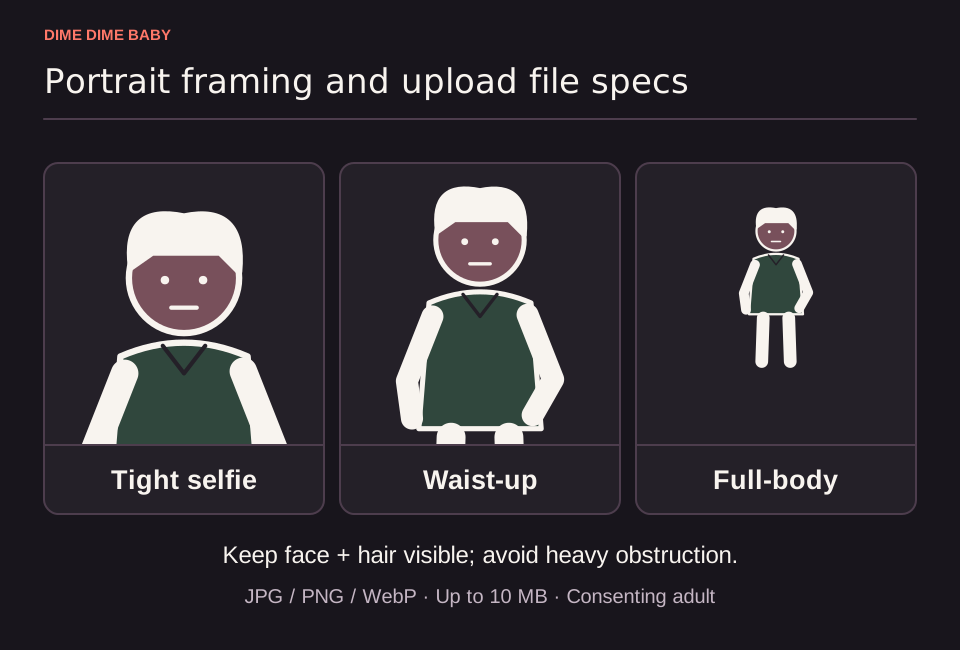
Illustration: Tight selfie, waist-up, and full-body crops, without claiming a tested winner, plus a footer noting face and hair visibility and 10 MB JPG/PNG/WebP limits.
Hard upload and eligibility rules
Before starting a generation on ai-dimedimebaby.app, you must meet the technical and permission requirements outlined in our Terms of Service:
- File format and size: Submit a JPG, PNG, or WebP file up to 10 MB. Our service does not publish a minimum pixel count.
- One adult subject: The workflow is built for a single adult with visible face and hair. Photos of children or minors are not permitted under any circumstances, as explained in our policy on baby and child photos in Dime Dime Baby AI. Pet photos also have no demonstrated compatibility with this adult workflow.
- Explicit permission: You must be 18 or older and upload only a photo of yourself or another consenting adult who gave explicit permission covering upload, provider processing, and AI video creation. A publicly posted image does not count as permission. Read our guide on using a friend's photo before uploading someone else.
Input checks may reject files; if our input check rejects your file, the task does not start and does not spend your generation credits.
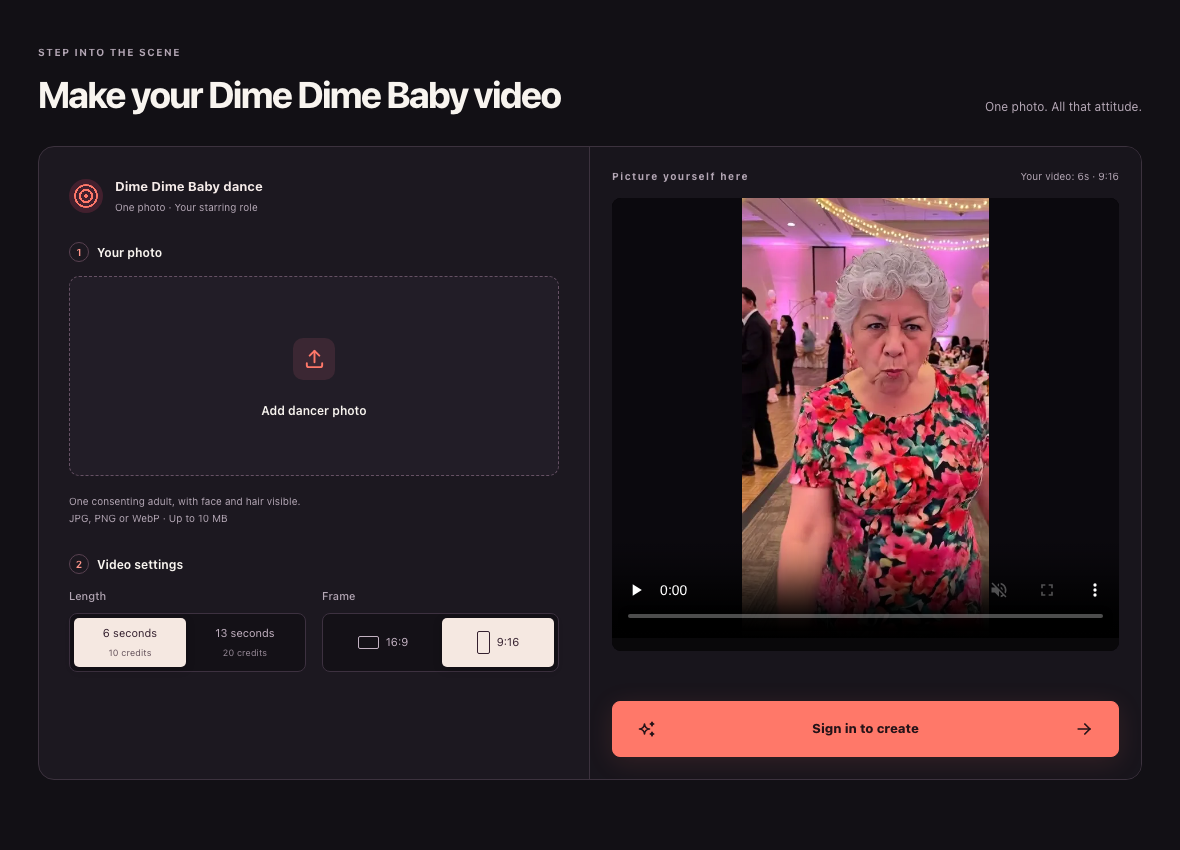
Website screenshot, 23 October 2026: Public signed-out ai-dimedimebaby.app desktop interface showing upload, duration, aspect ratio, and sign-in controls alongside the page's built-in interface example image.
Practical photo checklist versus output guarantees
These upload rules are submission requirements, not output-quality guarantees. Under our Terms of Service, AI generation can alter your face, clothing, motion, background, and framing, so no photo setup guarantees an exact likeness.
Use these practical recommendations when picking a file:
- Lighting and face visibility: Pick a front-facing photo with even lighting where eyes, facial features, and hair are unobstructed by heavy shadows, sunglasses, or hands.
- Single-person framing: Make sure no bystanders or extra faces appear in the background.
- Crop balance: Choose a framing that shows your face clearly while including upper-body outfit context if clothing matters to you. Compare your options in whether a selfie or full-body photo is better.
Input photo orientation versus final video aspect ratio
You do not need to pre-crop your photo to match the exact shape of your target video. On ai-dimedimebaby.app, the final MP4 frame is controlled by the 9:16 vertical or 16:9 horizontal setting you select in the generator interface rather than the orientation of your uploaded image.
Sources & scope
External clips and music belong to their credited creators. Product guidance here describes this tool; it does not verify every other app using the meme’s name.
Suggest a correction