
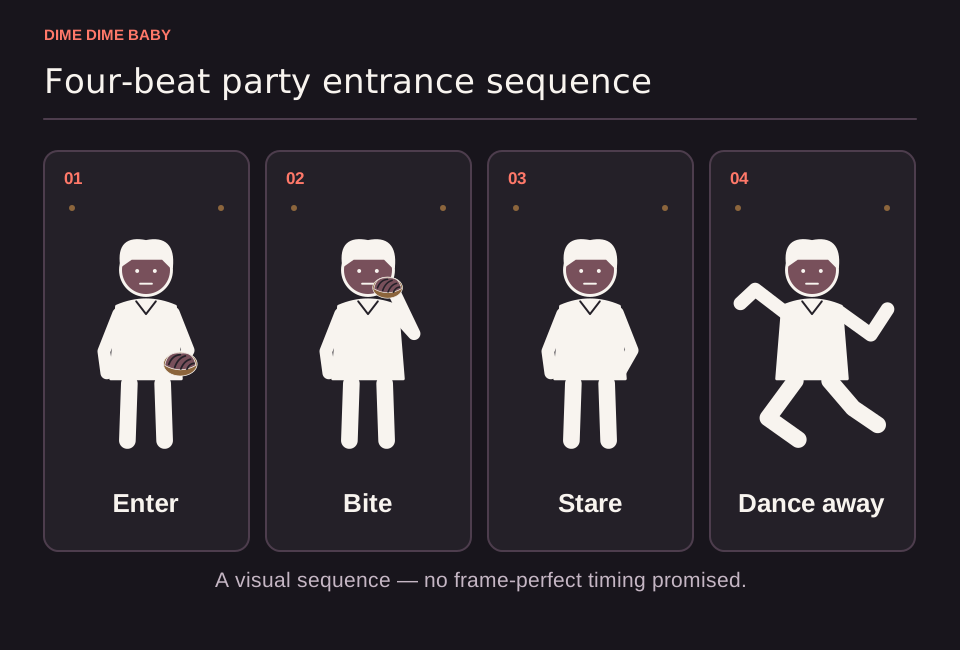
Illustration: Explanatory four-step sequence showing the entrance, bread bite, camera look, and dance exit, drawn to outline the gesture rather than reproduce video frames.
How our preset generator works without a prompt
The generator on ai-dimedimebaby.app is a fixed party-inspired template rather than an open-ended scene editor, so there is no text prompt field to fill out. Instead of writing instructions, you sign in, upload one clear photo of a consenting adult (JPG, PNG, or WebP up to 10 MB), and pick from the available settings:
- Duration: 6 seconds (10 credits) or 13 seconds (20 credits).
- Aspect ratio: Vertical 9:16 or horizontal 16:9, which you can compare in our guide on choosing 9:16 or 16:9 for Dime Dime Baby.
For a complete walkthrough of the upload and submission steps, see how to make a Dime Dime Baby video from one photo and verify your image against our photo upload requirements.
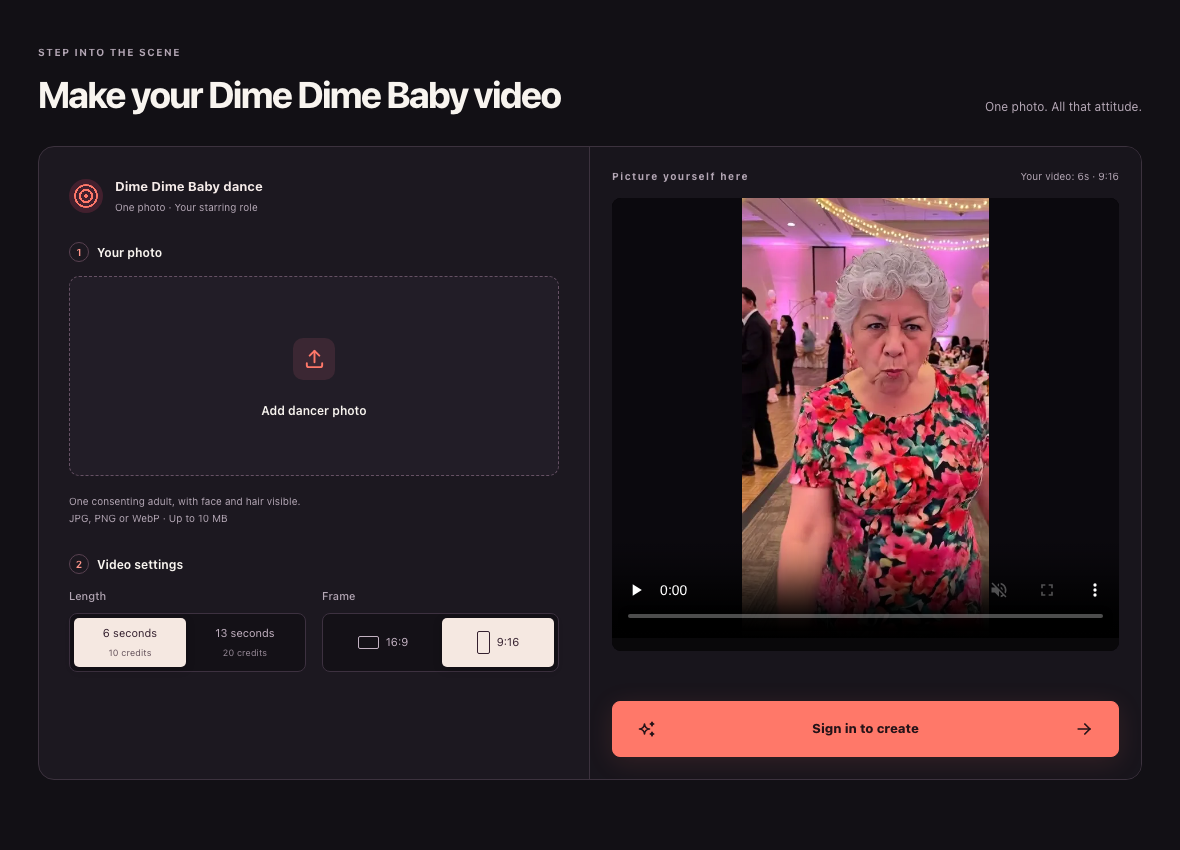
Website screenshot, 23 October 2026: Public signed-out ai-dimedimebaby.app desktop interface showing upload, duration, aspect ratio, and sign-in controls alongside the page's built-in interface example image.
Sample starting prompt for general image-to-video tools
If you are experimenting with a separate, general-purpose image-to-video platform that requires a written prompt, your text needs to outline the sequence seen in the 9-second party reference clip credited to @eve.el.cholo on TikTok.
Use this original description as an illustrative starting point rather than a guaranteed recipe:
"Handheld medium shot at a lively indoor night party with warm lighting. The adult subject walks into the center of the frame holding a piece of sweet bread, takes a casual bite, pauses for a calm deadpan stare straight into the camera lens, and then sways and dances away into the crowd."
External motion reference credited to APT Video AI showing a cowboy-styled adult in a party-scene remake, not an output from ai-dimedimebaby.app or the original TikTok clip.
Key limits to keep in mind when prompting
Whether you use a preset template or type a custom prompt into an external model, keep three boundaries in mind:
- Visual and motion variation: Under our Terms of Service, AI generation can change facial details, clothing, motion, background, and framing. In general-purpose video models, camera stability, clip length, and how naturally the subject bites the pastry vary by model and settings.
- Adult subject consent: Only upload a photo of yourself or another consenting adult aged 18 or older who has agreed to external AI processing.
- Music and audio rights: Naming a song in a prompt does not grant a license to use its recording. On our platform, music rights remain with the respective rights holders; a default soundtrack can be added after video generation, but purchasing credits does not grant a commercial music license or guarantee the commercial BbY WOW recording.
Sources & scope
External clips and music belong to their credited creators. Product guidance here describes this tool; it does not verify every other app using the meme’s name.
Suggest a correction