
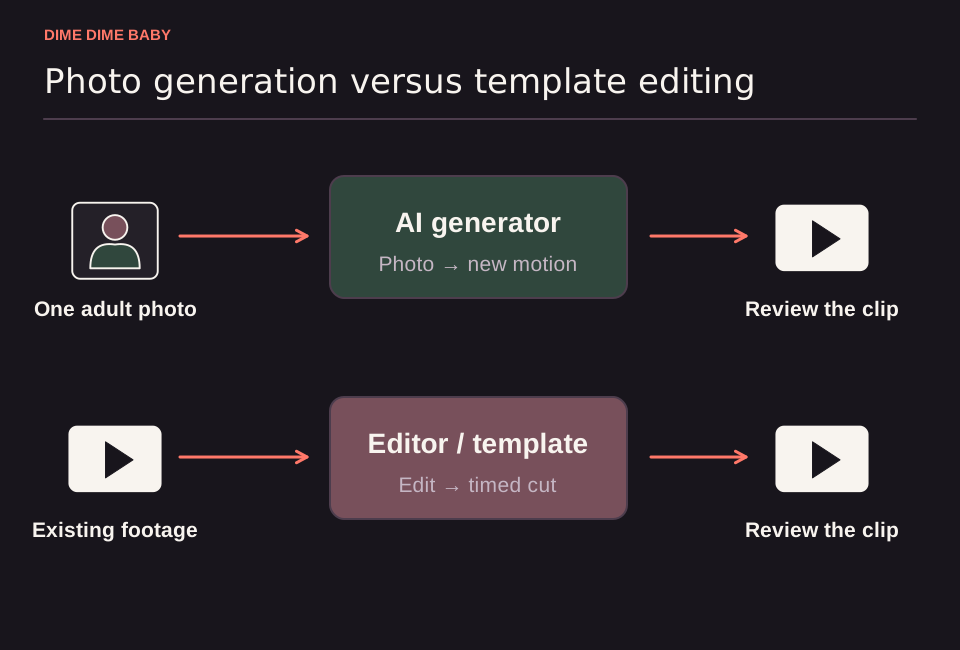
Illustration: Parallel workflows comparing a single adult portrait in a photo-to-video generator against existing clips in an editing template, both ending in an output to review.
Why creators look for an app-free option
According to CapCut's official template guide, the standard template workflow starts from a TikTok template link, opens the template inside the CapCut mobile app, and lets you swap in your own photos or videos before exporting. Because template availability depends on your region and app version—and templates rely on preset layouts where certain elements stay locked or use paid and AI features—you should check whether a template is available on your device before relying on it.
If you prefer working without installing the CapCut mobile app, you can either generate an AI video from a still portrait in your browser or record the scene yourself. For a deeper comparison of template layouts versus AI animation, see our guide on whether to use an AI generator or a CapCut template.
Two ways to make the video without CapCut
1. Browser photo-to-video generation on ai-dimedimebaby.app
Choose browser generation when you only have a still photo and want automated motion without filming. On ai-dimedimebaby.app, you upload one clear photo of a consenting adult and generate an MP4 in a fixed party-inspired scene with no text prompts or timeline editing required. For full file requirements, duration settings, and step-by-step instructions, read how to make a Dime Dime Baby video from one photo, or check our tips for making a Dime Dime Baby video on your phone.
Keep in mind that AI generation can alter face details, clothing, motion, background, and framing, and it does not guarantee exact likeness, watermark-free exports, or the commercial "BbY WOW" track.
2. Filming and trimming your own recreation
If you want exact control over your real face, outfit, and room without paying for generation credits, film yourself walking into the frame, biting a piece of sweet bread, holding a deadpan stare, and dancing away. You can use any video editor that trims existing footage to cut the clip to your preferred timing before adding music on your social platform.
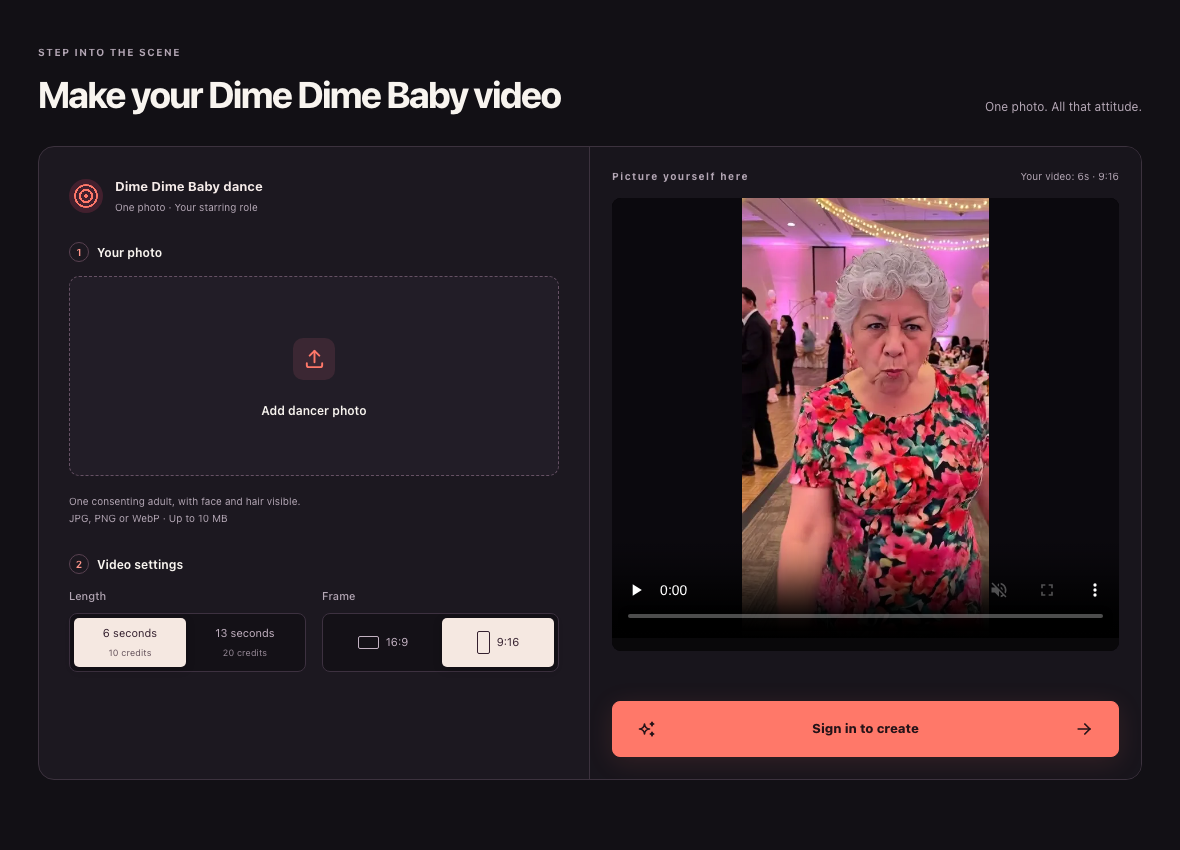
Website screenshot, 23 October 2026: Public signed-out ai-dimedimebaby.app desktop interface showing upload, duration, aspect ratio, and sign-in controls alongside the page's built-in interface example image.
Comparing input, control, and cost
| Method | Required input | Control over likeness and motion | Cost structure |
|---|---|---|---|
| Browser AI on ai-dimedimebaby.app | One clear photo of a consenting adult (JPG, PNG, or WebP up to 10 MB) | Fixed 6s or 13s party preset (9:16 or 16:9); AI may alter face, clothes, background, and motion | Paid credits only on ai-dimedimebaby.app/pricing: $9.99/20 credits, $29.99/60 credits, or $89.99/200 credits ($4.50–$5.00 per 6s clip at 10 credits; $9.00–$10.00 per 13s clip at 20 credits) |
| Filming your own clip | Camera, bread prop, and a willing performer | Full control over real appearance, room, and pacing | Free using your own camera and an editor that trims footage |
Sources & scope
External clips and music belong to their credited creators. Product guidance here describes this tool; it does not verify every other app using the meme’s name.
Suggest a correction