
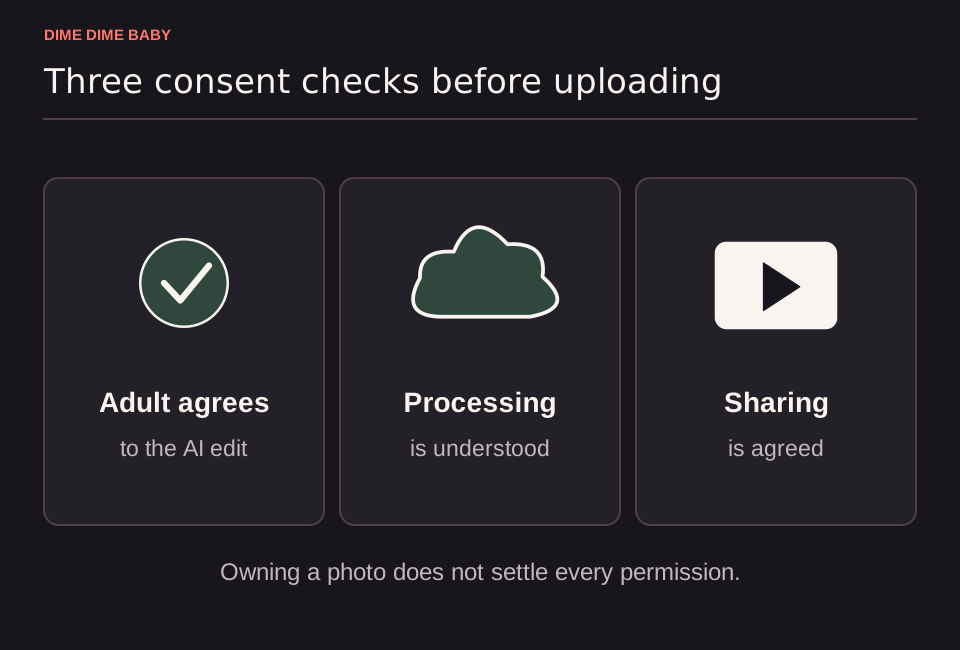
Illustration: Three permission gates covering an adult subject's agreement to AI editing, external processing, and video sharing before uploading a portrait.
What permission you need before uploading
Under our Terms of Service, both you and the person shown in the uploaded image must be adults aged 18 or older. Photos of minors are prohibited. You must hold the rights to use the photograph and obtain your friend's explicit permission before uploading it.
A public social media profile picture or group album photo does not count as permission. Before submitting the image, make sure your friend explicitly agrees to three things:
- Uploading their photograph to ai-dimedimebaby.app.
- Sending the image to external service providers for moderation and AI video processing.
- Transforming their likeness into a party video where AI can alter facial features, clothing, motion, background, and framing.
Make sure you have your friend's clear consent and the necessary rights to the photo before submitting, as you are responsible for having permission to use the image. If your friend has not replied or seems unsure about being edited by AI, do not upload their picture. Use your own photo instead and follow our guide on what photo to upload for a Dime Dime Baby video.
How external processing and file storage work
Friends often want to know where their photo goes before saying yes, which you can review in detail in our breakdown of whether Dime Dime Baby AI is safe to use. According to our privacy policy, uploaded photos and generated MP4 clips are stored as private account files rather than placed in a public gallery.
To run moderation checks and generate the requested AI video, the uploaded photo is sent to external providers, including Cloudflare storage and SeeAPI underlying model services, while soundtrack processing is handled separately for approved videos. While ai-dimedimebaby.app does not train its own models on user photos, external providers operate under their own data practices and retention policies.
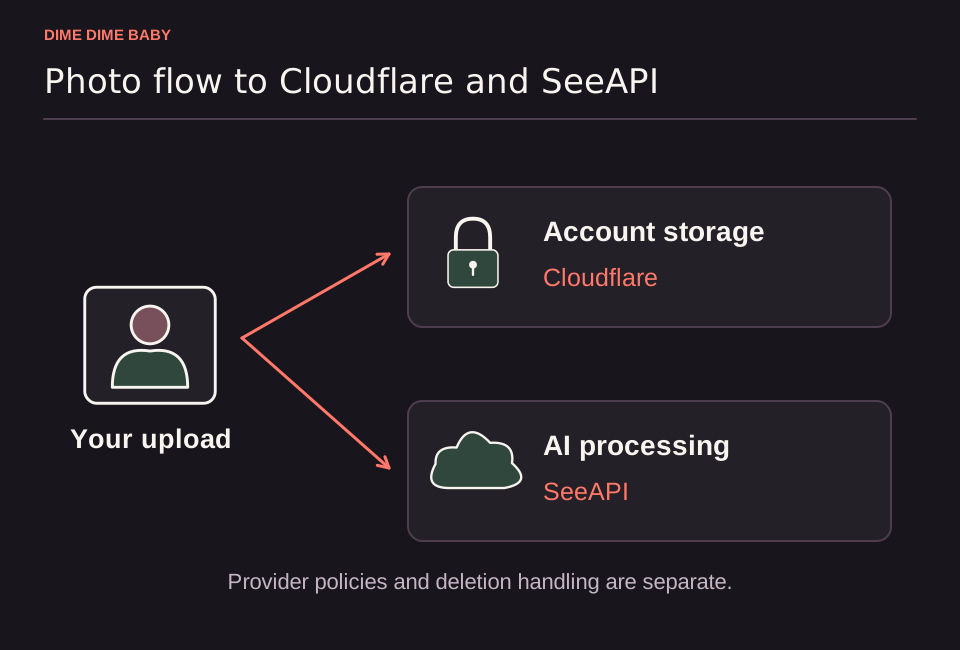
Illustration: Data flow from photo upload to private Cloudflare account storage and external AI processing through SeeAPI, showing that processing happens across external services.
Generating, sharing, and deleting your friend's clip
You do not need to share your account login with your friend. Upload their single-adult photo from your own account, download the finished MP4, and send the file to them directly. Ask your friend to approve the final clip before you post it publicly.
Because our service does not promise an automatic deletion timer, you can remove your friend's image after downloading the video. Visit Settings → Files to delete stored files from your account, or read our step-by-step instructions on how to delete your Dime Dime Baby photos and videos. Keep in mind that deleting a file on our site does not confirm deletion of copies held by external providers, though you can submit file or task references through our contact page for additional removal requests.
Sources & scope
External clips and music belong to their credited creators. Product guidance here describes this tool; it does not verify every other app using the meme’s name.
Suggest a correction