
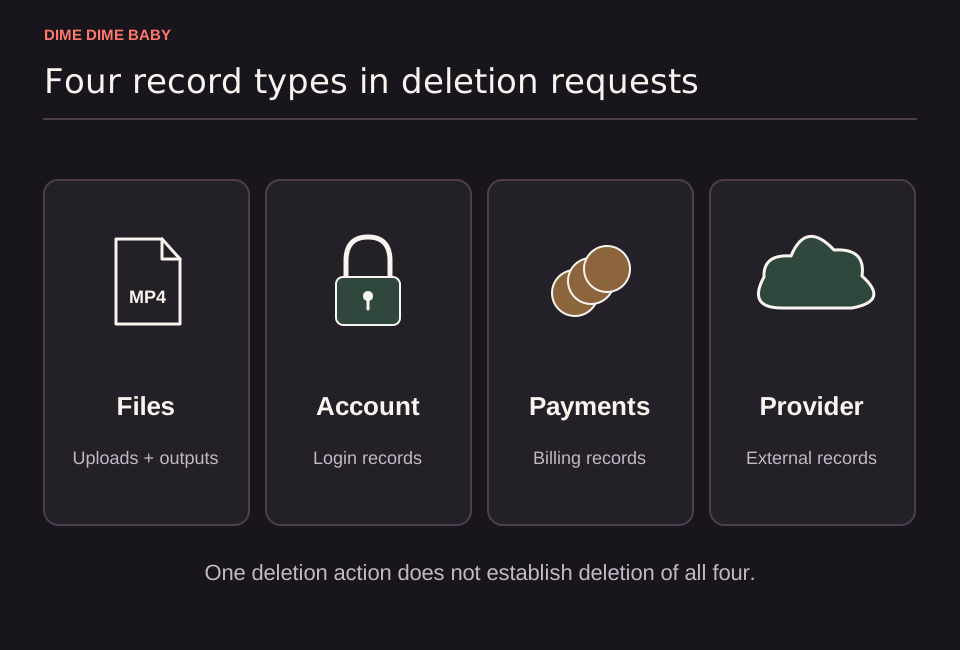
Illustration: Four separate record categories for uploaded files, account logins, payment records, and external providers, showing that deleting one item does not erase every record.
How to remove files from your account
Uploaded photos and generated clips are kept as private account files rather than in a public gallery by default, according to the ai-dimedimebaby.app Privacy Policy. Follow these steps to clear them:
- Save any clips you want to keep first by following our guide on downloading your Dime Dime Baby MP4.
- Sign in to
ai-dimedimebaby.appand go to Settings > Files. - Review your stored uploads and generated videos, then delete each item you want to remove.
File deletion vs account deletion
Deleting media in your file manager and closing your account do different things under our Privacy Policy:
| Action | Account path | What it removes | What may remain |
|---|---|---|---|
| Delete stored media | Settings > Files | Selected uploaded photos and generated clips in your account | External provider copies and transaction or dispute logs |
| Delete account | Settings > Security | Your account login and authentication records | Unremoved files, provider records, and payment history |
Closing your account in Settings > Security does not guarantee that all stored files, external provider records, or payment logs are deleted. Always clear Settings > Files first before deleting your account. The site may still retain task, transaction, and dispute records to handle open issues, prevent duplicate credit returns, and keep accounting records.
External providers and support requests
When you upload your own picture or a consenting friend's photo, the site stores files via Cloudflare and sends media to external AI services, including SeeAPI, for moderation and video generation. While ai-dimedimebaby.app does not sell user media or train its own models on your photos, deleting a file on our site does not confirm deletion from external provider systems, which follow their own retention terms. For broader data details, see whether Dime Dime Baby AI is safe to use.
For additional removal or access requests, message support via the contact page with your file or task reference, and never send your password.
Sources & scope
External clips and music belong to their credited creators. Product guidance here describes this tool; it does not verify every other app using the meme’s name.
Suggest a correction