
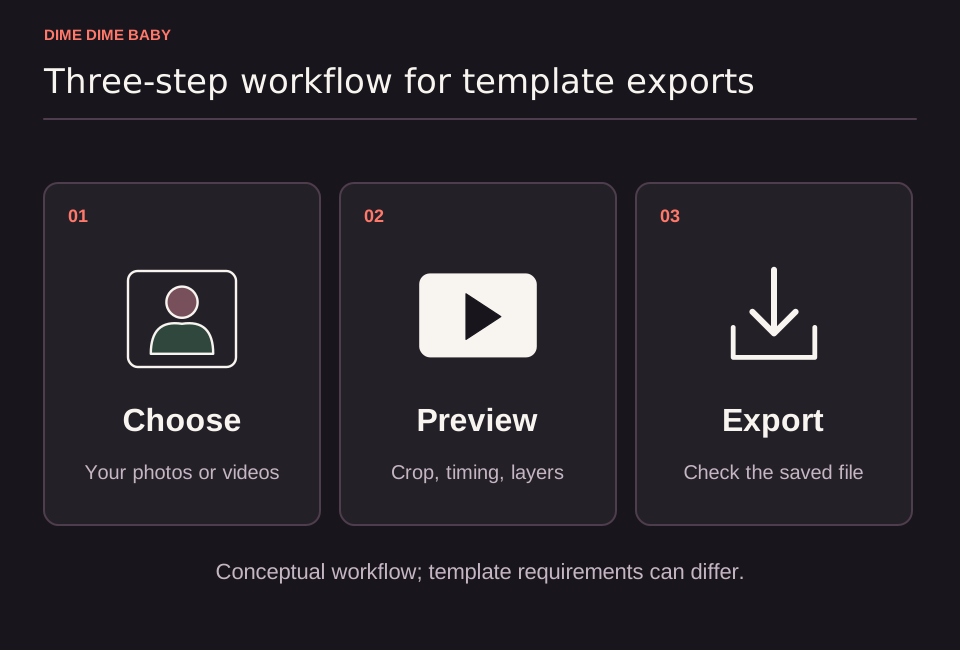
Illustration: Conceptual three-step workflow to choose media, inspect the preview, and check the exported file, drawn with generic icons rather than a CapCut or TikTok screen.
Where to find a candidate template and what to check first
You can start by opening the Dime Dime Baby CapCut template candidate in your mobile app or tapping a CapCut template tag on a TikTok video. Treat any template link as a candidate to preview on your device rather than a verified free or working export.
According to CapCut's template guide, a template is a preset editing layout that can combine locked original elements with replaceable media slots and optional AI or paid features. Before spending time editing, check four details in the preview:
- Media slots: Count how many photos or video clips you must supply and where they appear in the sequence.
- Locked segments: Identify whether parts of the original meme clip stay fixed in the timeline.
- Animation vs static edits: Check whether the template simply cuts between your uploads or applies built-in CapCut AI effects that animate still photos.
- Export cost: Look for feature badges indicating paid effects that require payment before you can export.
If you want a standalone browser workflow built around animating a single adult photo into a party scene without arranging template slots, compare whether to use an AI generator or a CapCut template.
Step-by-step mobile workflow
CapCut's official help page outlines the mobile linked-template process:
- Open a TikTok video with the template tag or open the candidate link on your phone, then tap Use template in CapCut.
- Tap Use template in the app and select your photos or videos for the open slots.
- Tap Preview to generate the composite clip, adjust crop or replacements if needed, and tap Export.
Checking device and region availability
As noted in CapCut's template documentation, template availability can depend on your region and app version. Always open the specific template link in your mobile app first to confirm that it loads on your device and to check whether all included effects allow a free export.
If a template does not load in your region, requires paid features you do not want to buy, or uses multi-clip slots when you only have one portrait, review how to make a Dime Dime Baby video without CapCut or follow our guide on making a Dime Dime Baby video from one photo.
Sources & scope
External clips and music belong to their credited creators. Product guidance here describes this tool; it does not verify every other app using the meme’s name.
Suggest a correction