
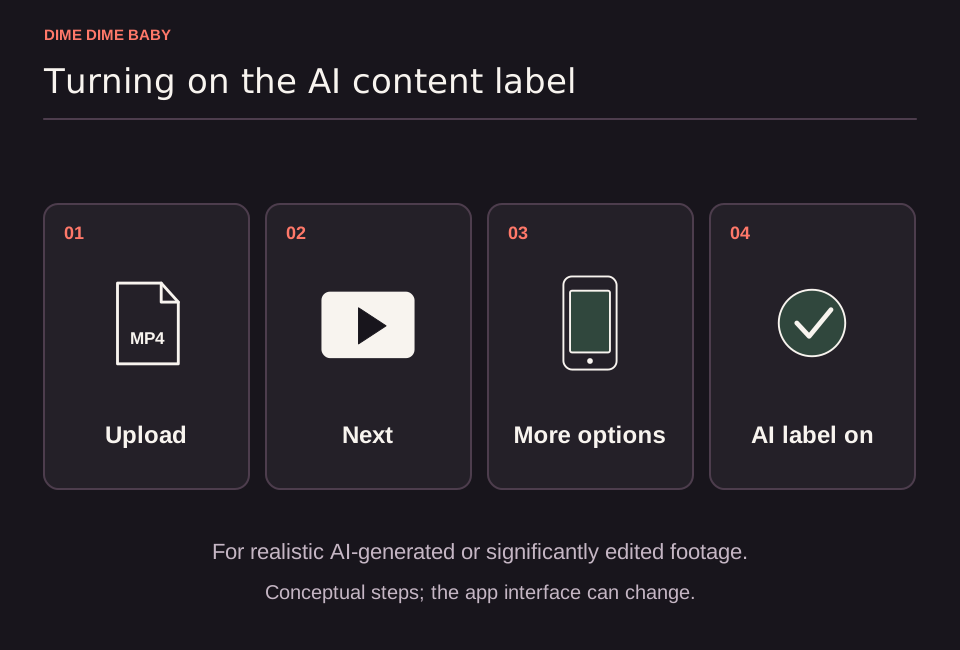
Illustration: Conceptual four-step posting flow showing upload, Next, More options, and the AI-generated content toggle, drawn with generic icons rather than an app screenshot.
Why photo-generated dance clips require a label
Generating a clip on ai-dimedimebaby.app turns a single still adult photo into a moving party-scene video, as described in our Terms of Service. You can compare the original viral clip with synthetic remakes in our guide on whether the Dime Dime Baby video is real or AI.
Under TikTok's AI-generated content policy, creators must label content containing realistic AI-generated images, audio, or video. TikTok specifically includes significantly edited footage that depicts a person dancing when they did not actually do that dance. Because a photo-generated remake animates a real person into a new performance, it qualifies for disclosure.
How to turn on the AI-generated content toggle
According to TikTok Help, you can apply the disclosure label while preparing your post, though exact menu placement can vary by app version:
- Select your downloaded MP4 video in the TikTok upload screen and tap Next.
- Open More options on the post settings screen.
- Turn on the AI-generated content toggle before publishing.
TikTok may also apply an automatic AI label to your video. Once TikTok applies an automatic label, it cannot be removed.
Rules that labeling does not replace
Adding an AI label on TikTok does not waive platform community rules, copyright requirements, or the ai-dimedimebaby.app Terms of Service:
- Adult consent: You must be at least 18 years old and upload only a photo of yourself or another consenting adult who gave explicit permission for upload and AI generation. Publicly available photos do not count as permission, as explained in our guide on using a friend's photo.
- No minors: Photos of children or minors are strictly prohibited on our service.
- Commercial audio rights: If you post for a brand or company, an AI label does not clear trending audio for promotional use. Review our guide on using a Dime Dime Baby video for business before posting commercially.
Sources & scope
External clips and music belong to their credited creators. Product guidance here describes this tool; it does not verify every other app using the meme’s name.
Suggest a correction