
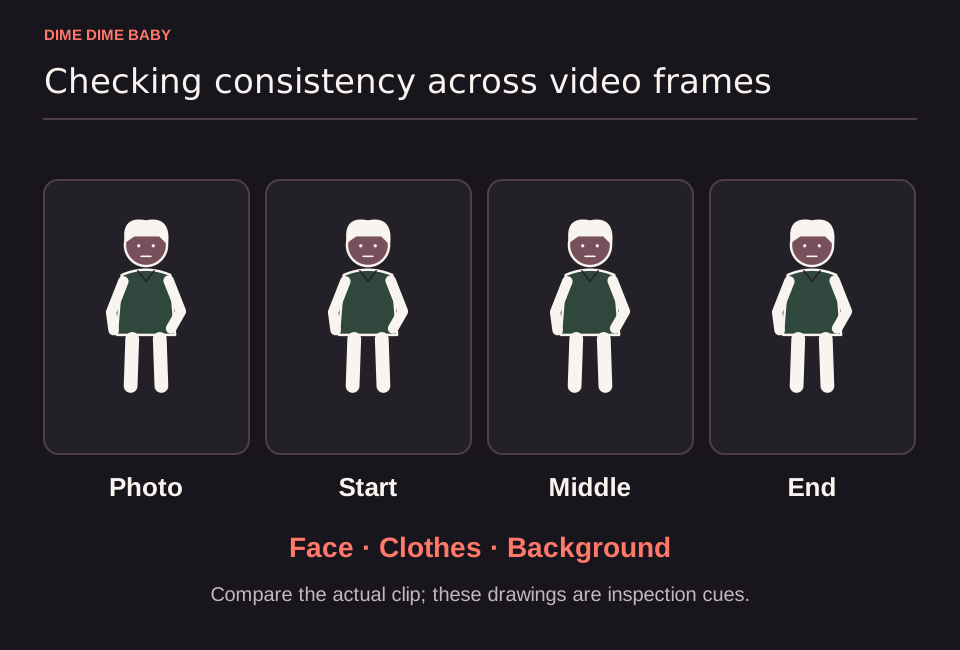
Illustration: A source portrait beside generic start, middle, and end frames with Face, Clothes, and Background labels, showing what to inspect across an output clip.
Why your uploaded photo acts as a reference
When you upload an image to the Dime Dime Baby generator, the system uses your photo as a visual starting point for a fixed party-inspired scene rather than an exact copy contract. Under our Terms of Service, AI generation can modify your clothing, background, framing, motion, and facial features while building the 6-second or 13-second MP4 clip.
This workflow differs from both a background-preserving cutout and a simple face-only swap:
- Input background versus output scene: The tool is designed for a party-inspired scene, so your original room or backdrop is not preserved by contract and can be altered or replaced during generation. As practical photo-selection advice, choosing an uncluttered background makes it easier to pick an image where your face and hair are clearly visible.
- Subject and clothing treatment: Instead of pasting your face onto a locked body template, the AI generates motion across the figure, which means sleeve lengths, colors, necklines, and facial details can change. See why your face can change in a Dime Dime Baby video and our photo upload requirements for preparation tips.
How clothing context affects your upload choice
Wearing an outfit that matches the casual mood you want gives the generator a clear visual reference, though showing a specific outfit in your photo does not guarantee it will be kept in the final video. Because the Dime Dime Baby generator does not accept text prompts or offer an arbitrary scene editor, you cannot lock a specific shirt, logo, or room layout through settings.
What to use when exact clothes or rooms are required
If keeping a specific uniform, branded outfit, or real room is essential for your post, do not rely on AI generation. Record your own video footage wearing the exact outfit in your chosen space and edit the clip directly.
For example, according to CapCut's template guide, a template works as an editing layout where you select your own photos or videos on mobile, preview replacements, adjust crops, and export (template availability and features depend on your region and app version). Compare both workflows in our guide on whether to use an AI generator or a CapCut template.
Sources & scope
External clips and music belong to their credited creators. Product guidance here describes this tool; it does not verify every other app using the meme’s name.
Suggest a correction